From certificate upload to compliance.

Ensurient checks every certificate against the requirements of the building it relates to, opens a case when something’s wrong, and tracks it through to resolution.

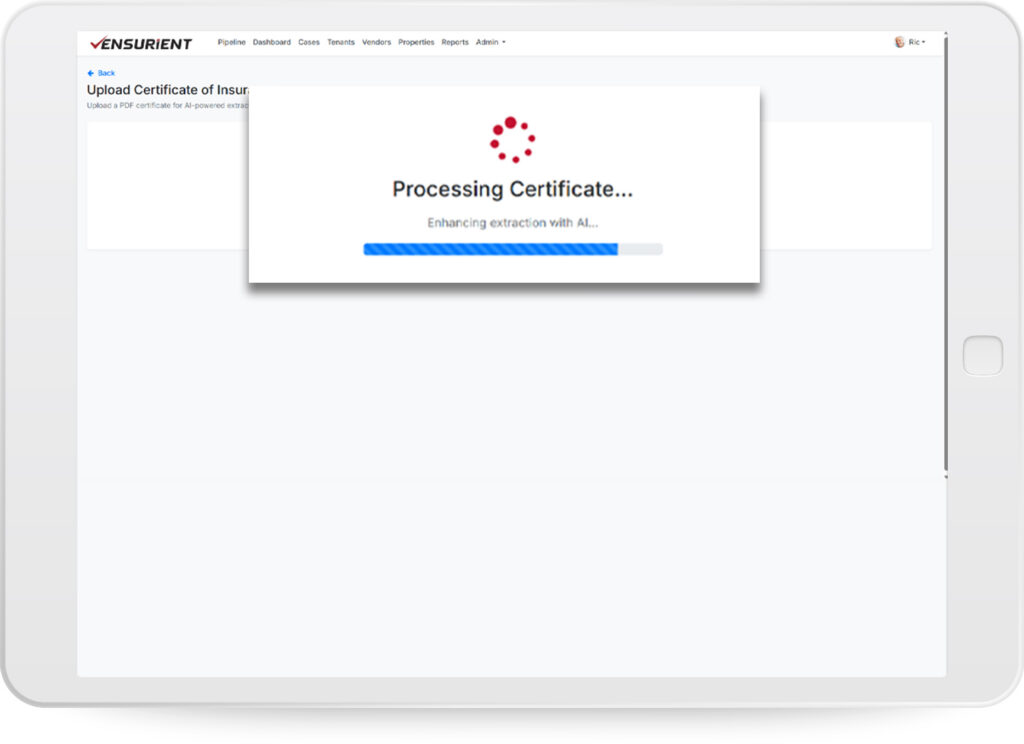
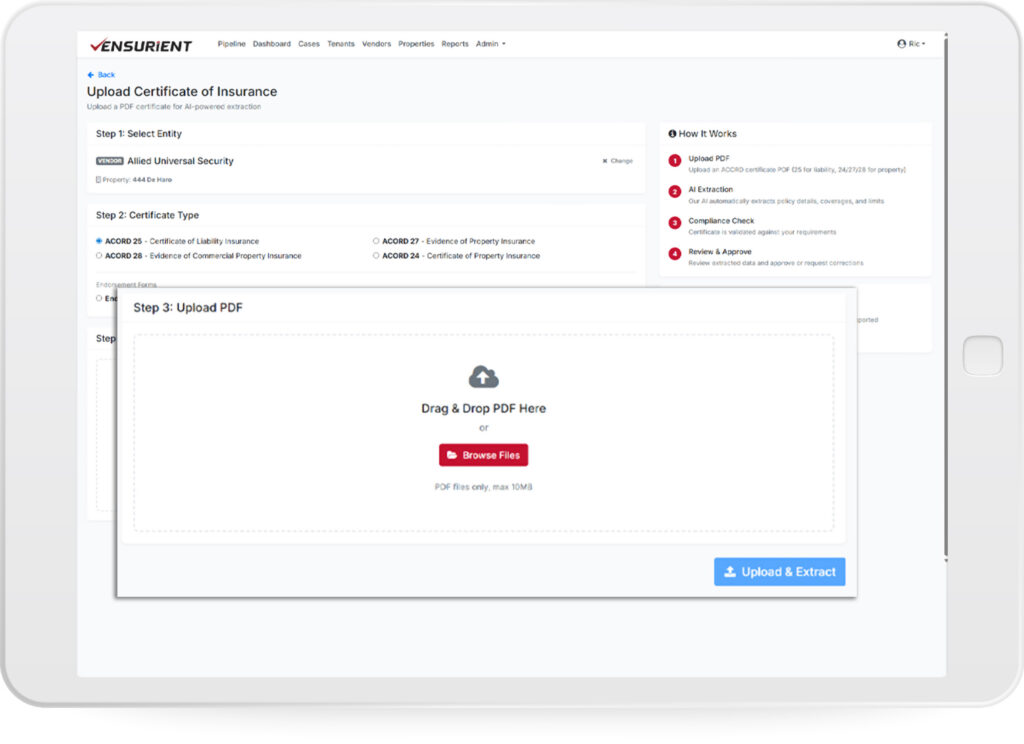
Upload certificates.

Drop a PDF directly, send a no-login upload link to a vendor, tenant, or broker, or bulk-import during onboarding. Ensurient extracts the coverage data — limits, dates, endorsements, additional insureds, and certificate holder — from every certificate that comes in.

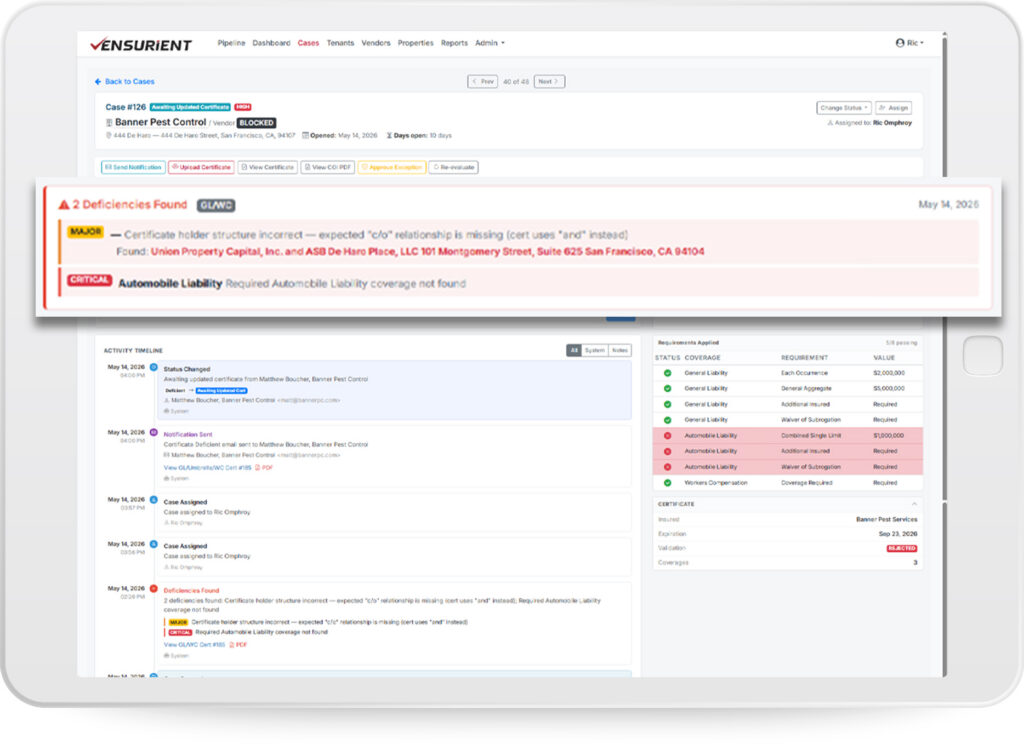
AI identifies deficiencies.

Each certificate is checked against the specific insurance requirements of the building it relates to. Coverage minimums, required endorsements, additional insured language, certificate holder accuracy — every requirement, every certificate, automatically.

Compliance case is opened and notifications sent.

Any deficiency opens a structured case showing what’s wrong, which requirement failed, and who needs to act. A notification goes out to the broker, vendor, or tenant with a no-login link to upload a corrected certificate.

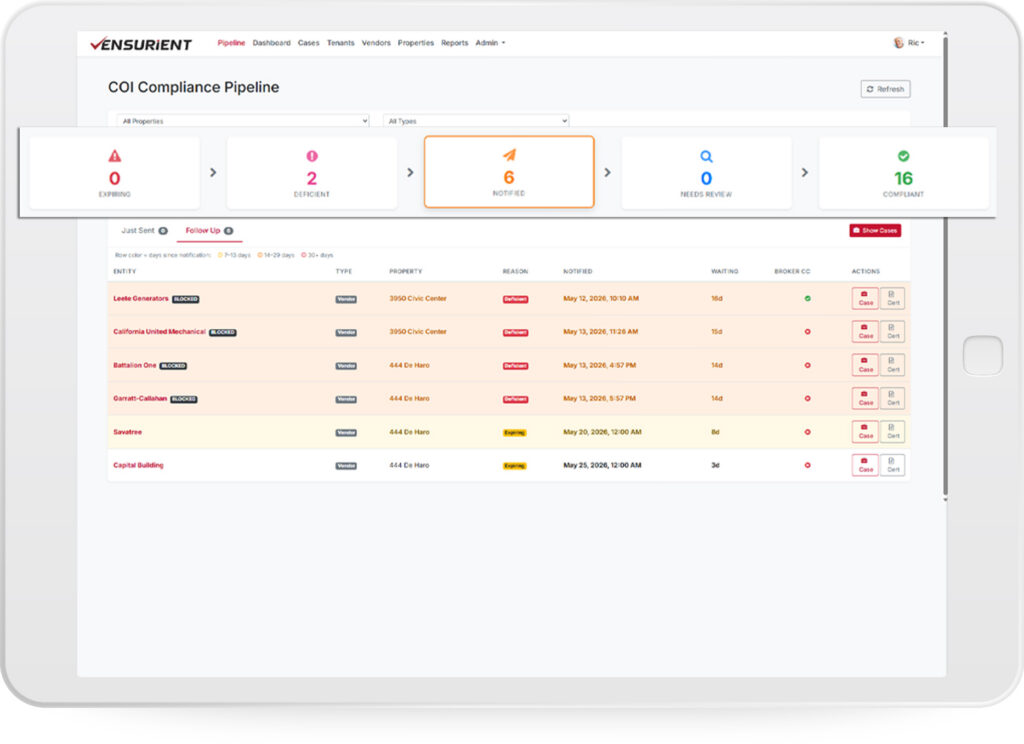
See the state of every certificate across the portfolio.

Every certificate sits in one of five stages — expiring, deficient, notified, needs review, or compliant. Your team sees exposure at a glance, in real time, and works through what needs attention, not through folders of PDFs.

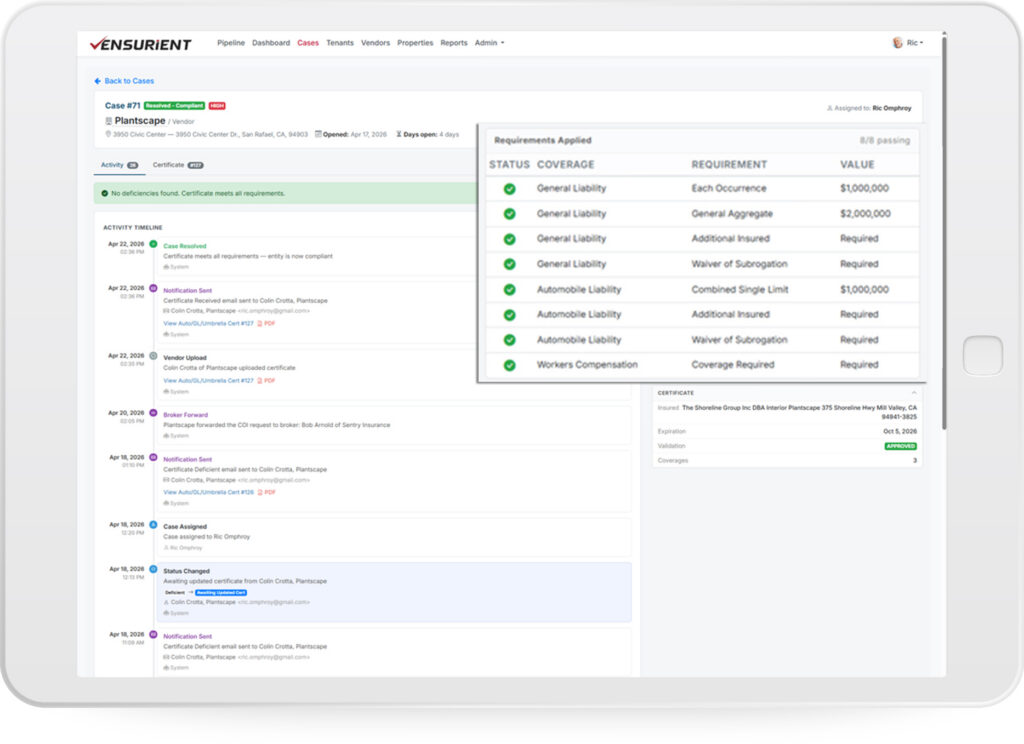
Corrected certificate uploaded and compliance restored.

When a corrected certificate is uploaded, Ensurient re-runs the checks. Compliant certificates close the case automatically. Partial fixes update the case and keep it open until every requirement passes. Every action is logged.

A Title to Turn the Visitor Into a Lead

Use this short paragraph to explain how you will deliver this benefit to the visitor if they decide to work with you.